
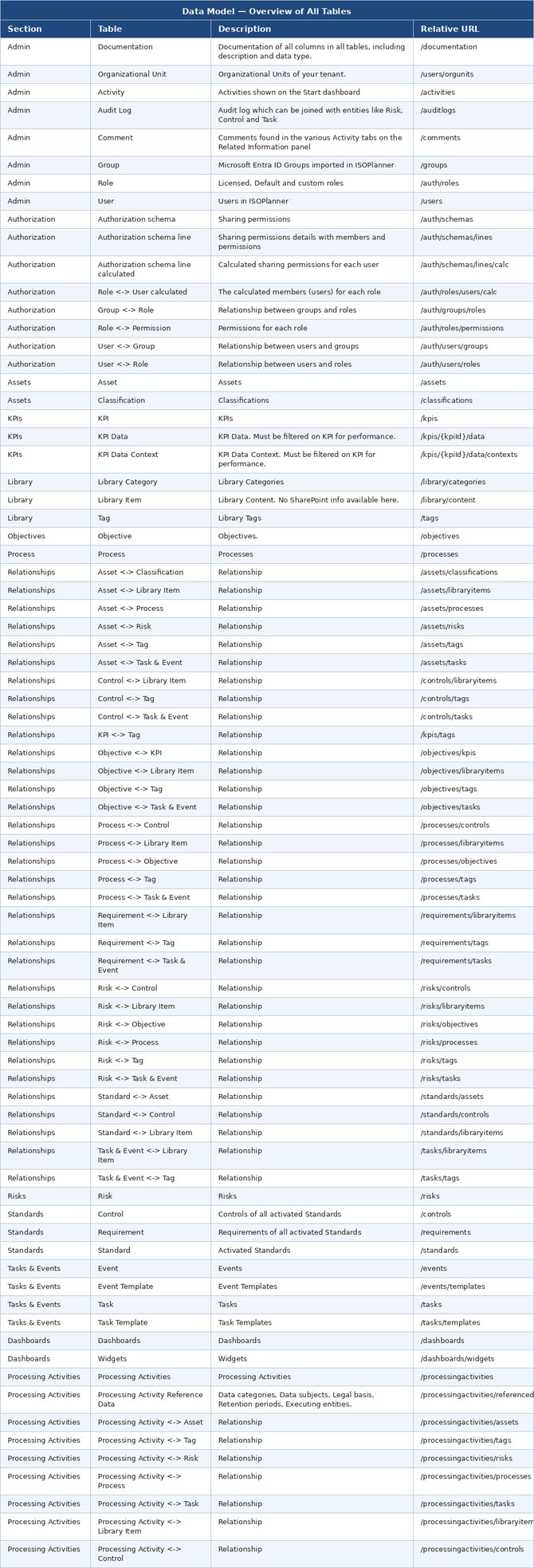
Below you can find a list of all tables in the Power BI Desktop Navigator with a short description. Documentation on the columns of each table is available in Power BI.
You can:
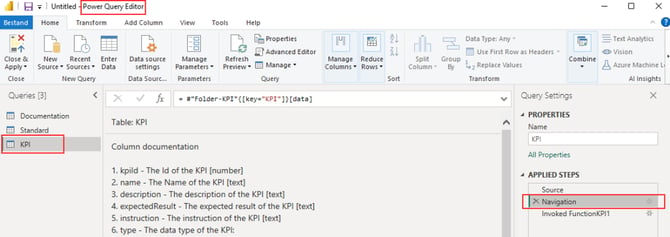
- Check the function documentation in the Power Query Editor
- Load the Admin/Documentation table for all fields
Query Editor
Load the tables you want into Power BI Desktop. Open the Power Query Editor and select the table you want to check the documentation for. Next, select Navigation in the panel Query Settings on the right. Now the documentation is shown.
Admin/Documentation table
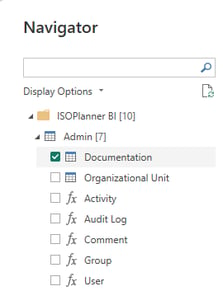
All fields are documented dynamically in the Admin/Documentation table. In the Power BI Navigator (Get data), open the Admin section and load the Documentation table.
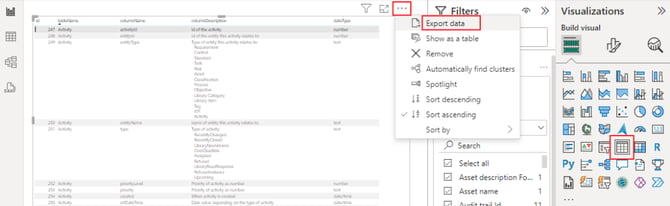
You can directly search and filter. You can even export the documentation to the format you choose, for example, by loading it into a report table and exporting it to .CSV and open in Excel.
Overview of all tables
Resources