
ISOPlanner 6.4.0 went live on 21 September 2026. The main navigation is grouped, AI clients can now write risks, and answers in forms and KPIs stay with the version they were entered in. Three larger features are available in private preview.
Improved main navigation with grouping
ISOPlanner keeps growing and the main menu had become a long list. Menu items now sit in groups, so what you use often is easier to find.
What changed:
- Menu items are organised into groups that you can expand and collapse. You can click anywhere on the group, you do not have to hit the chevron.
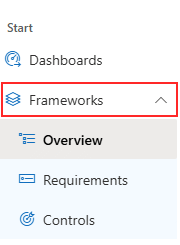
- Requirements and Controls used to be top level. They now sit under Frameworks, together with the combined overview. Click Frameworks to open that overview.
- Processes, Objectives and KPIs are reachable straight from the main menu.
- Administration and Partner Center are pinned to the bottom of the navigation.
- The button that expands and collapses the menu moved to the navigation bar.
- Every group remembers whether you left it open or closed.
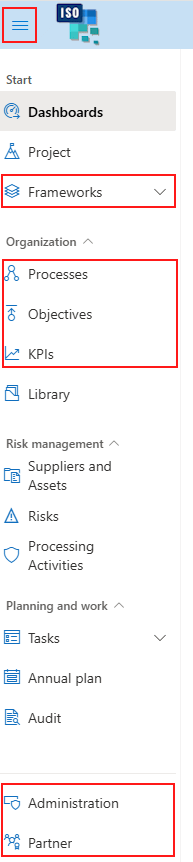
The Frameworks group is expanded by default. If you do not want a module at all, you can switch it off in the module settings.
Project and Audit are part of the private preview, so they are not visible for everyone.
Risk write tools for ChatGPT and Claude (MCP)
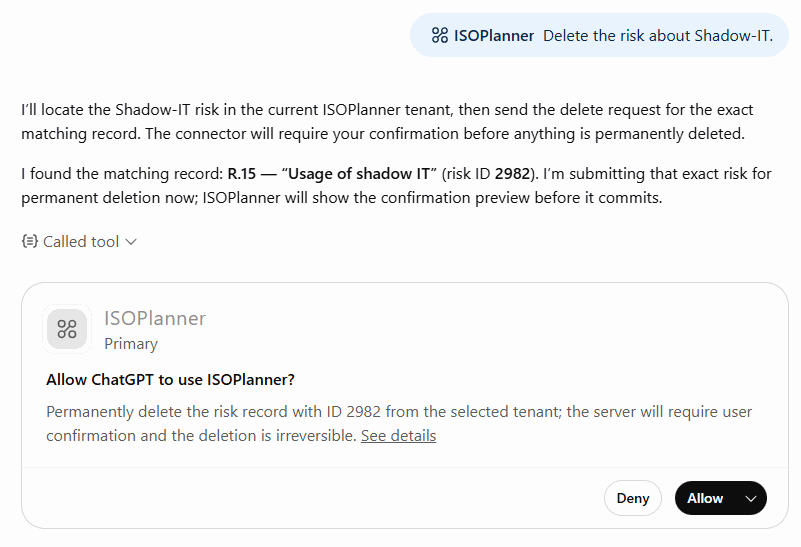
When you connect an AI client such as ChatGPT or Claude to ISOPlanner, you can already ask it questions about nearly all of your data. From this release the client can also create, update and delete risks.
Relations are included, so you can also work with the links between a risk and your controls, assets and processes.
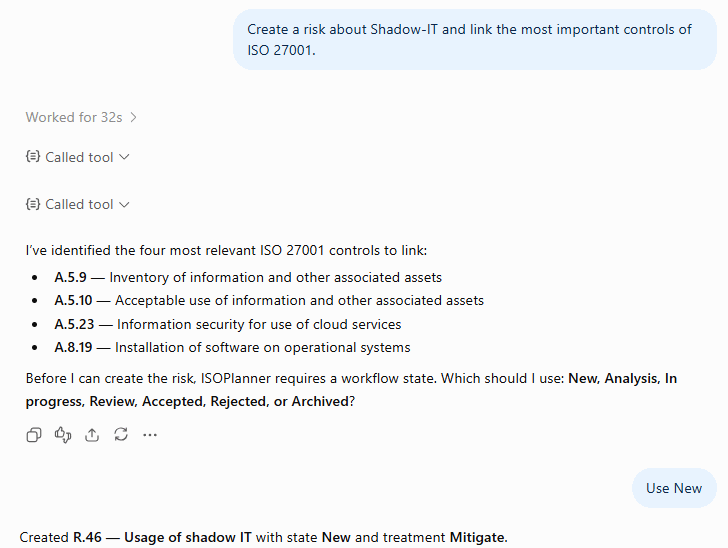
Updates and deletions use the confirmation mechanism that most MCP clients support. You are asked to confirm before an existing risk is changed or removed.
Updated partner center with new dashboards
The partner center has two new dashboards:
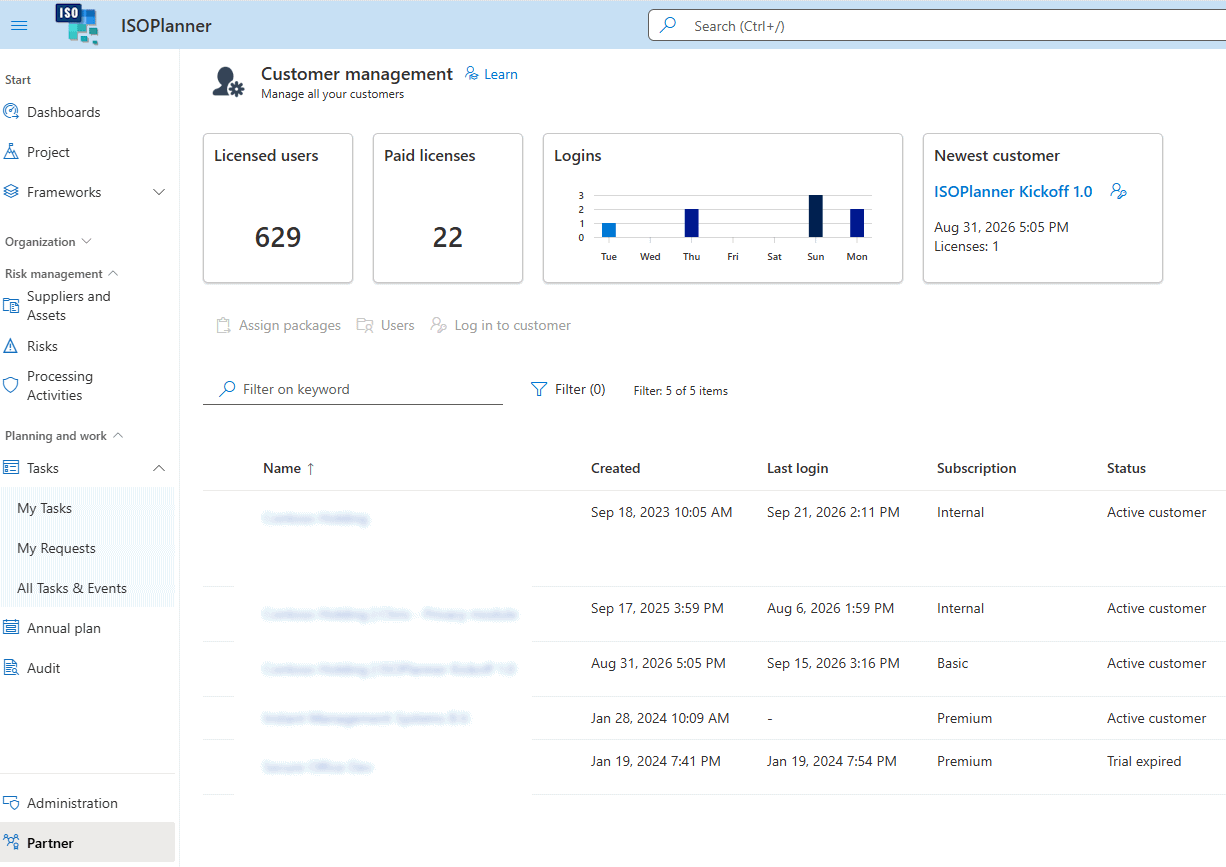
- An overall dashboard with data from all of your connected customers.
- A dashboard per customer, which opens when you click that customer in the list.
You can add and remove widgets to fit these dashboards to the way you work.
Form and KPI versioning
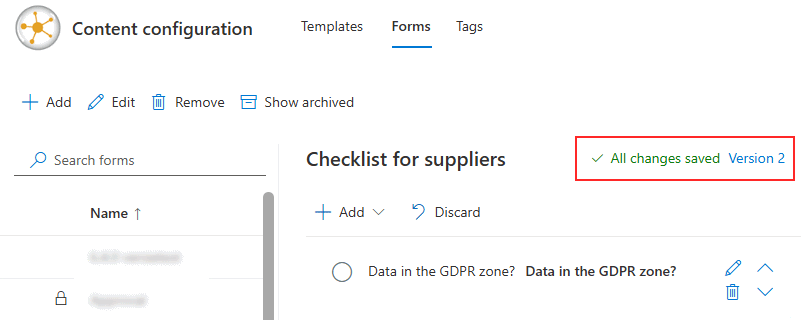
An answer from last year belongs with the form that was used last year. Forms and KPIs therefore have versions now. Everything that already existed starts at version 1.
Change a form or KPI that has been used, and ISOPlanner creates a new version by itself. The next task shows version 2, while tasks that were already filled in keep showing version 1, including fields you have since renamed or removed.
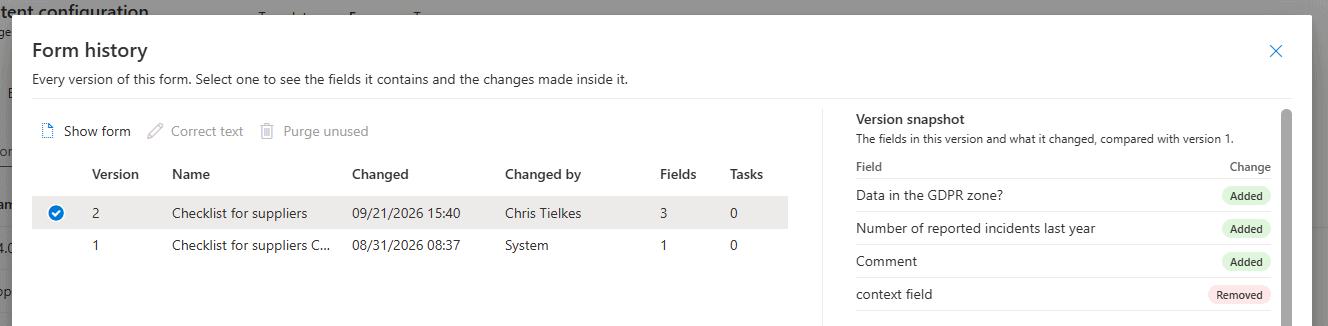
The history of a form shows what changed and when, so you can see what the form looked like at the moment an answer was recorded.
Updated email layout, with your own signature
Mail sent from notifications@isoplanner.app has a new layout.
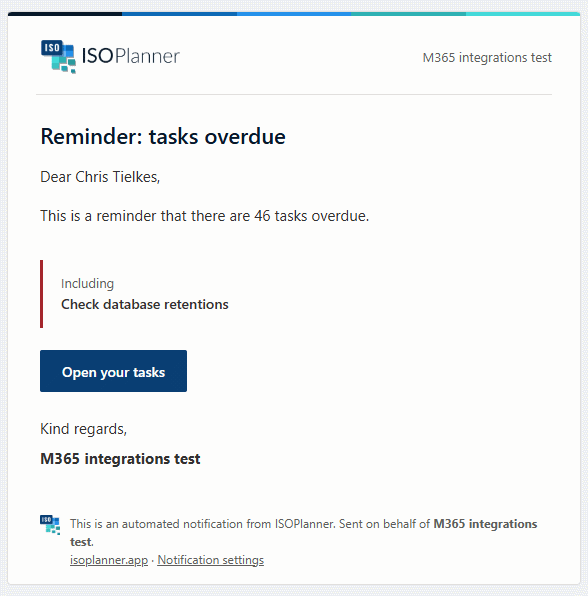
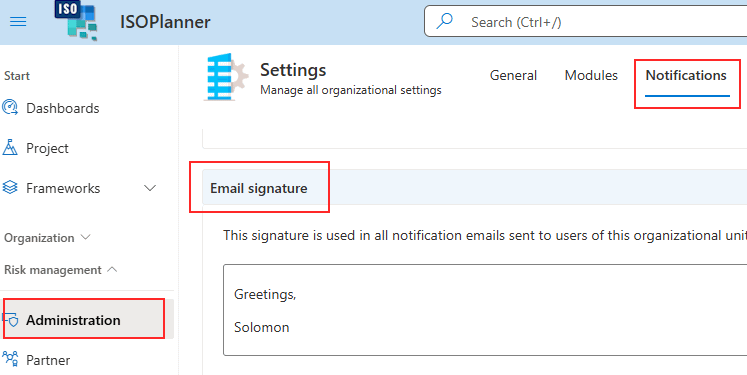
You can also set your own signature, which replaces the standard greeting and customer name at the bottom of ISOPlanner mail. The setting is in administration, under notifications.
Implementation of requirements and controls per framework
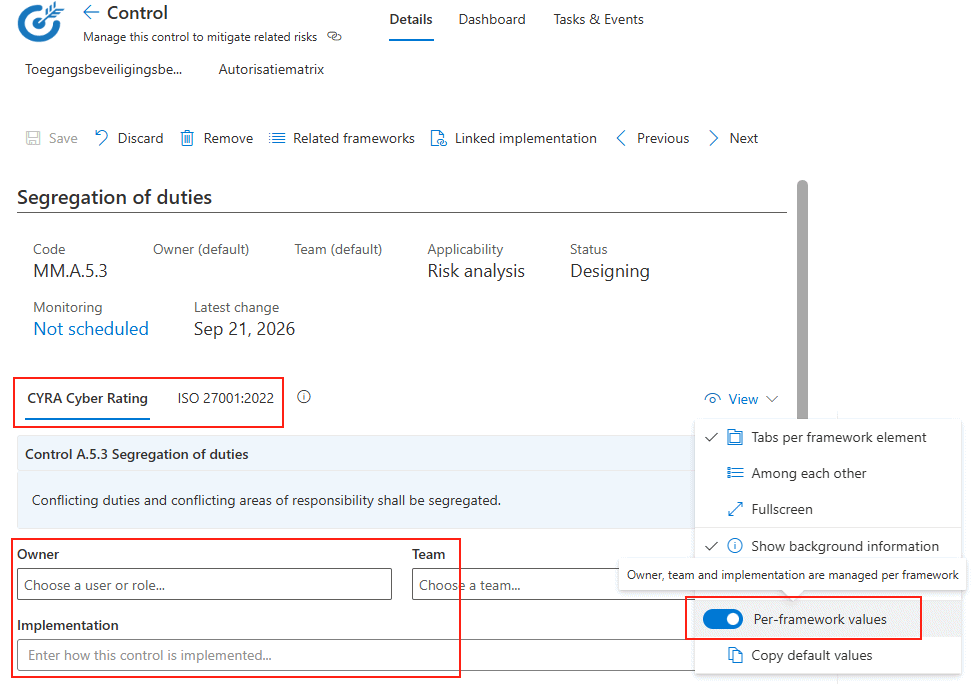
If you work towards more than one framework, the implementation text and the owner and team of a requirement or control are shared across those frameworks. That is usually what you want. Sometimes it is not, because one framework asks for extra detail or a different owner.
You can now give a requirement or control its own implementation description, owner and team per linked framework. Switch the fields on from the View menu.
Drag your dashboard widgets into place
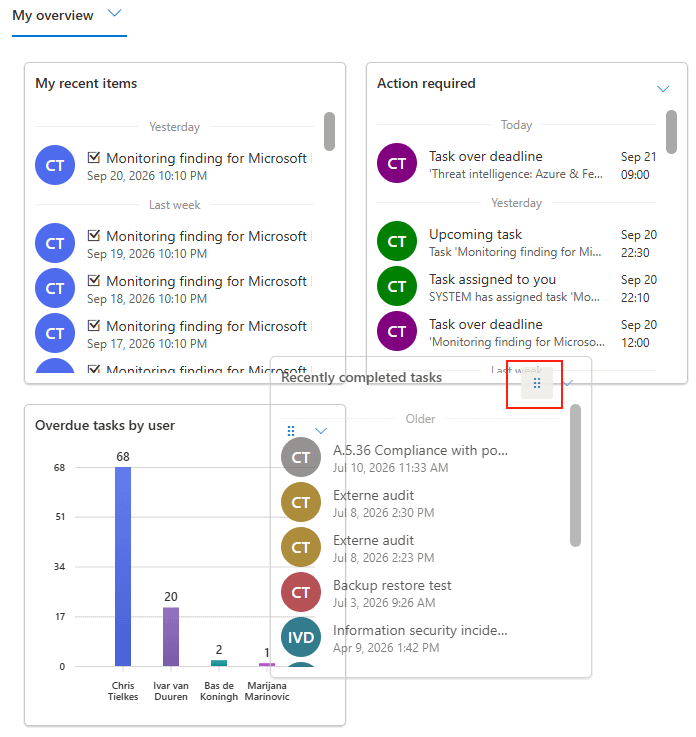
Widgets on a dashboard can be dragged with the handle in their header. Click and hold the handle, then move the widget to where you want it.
If you would rather not drag, the widget menu has a Move to position option that lists the positions you can pick.
Widgets sit in one order and fill the row, wrapping to the next line when the space runs out. The first two positions are fixed.
In private preview
Three larger features are available on request. We expect them to be generally available in November. Let us know if you want to test them and give us feedback.
- Audit module. Plan, run and report your audits in ISOPlanner, with AI support from the scope through to the final report.
- Kickstart. A guided route to ISO 27001 certification, with a step for every part of the work, built-in templates and a pre-implemented ISMS.
- Snapshots and point in time restore. A nightly snapshot per organizational unit, snapshots you make yourself, and a restore over the current data or into a new organizational unit.
Preview features are there to try and are still changing.