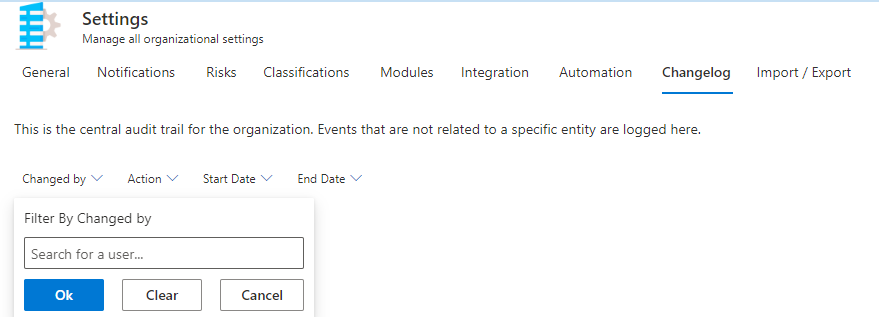
Where to find it in ISOPlanner: https://portal.isoplanner.app/admin/settings/audit
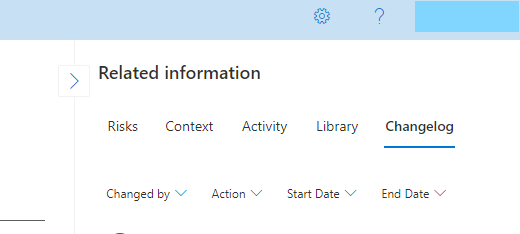
This is the audit trail for the organization. In risks, controls and tasks you can find the change log in the “Related Information section.
In this section (Administration-Settings-Changelog), events which are not related to risks, controls or tasks are being logged.
For finding one particular log, filters are available to define by whom the the Change was done, what the Action of the change is, what is the Start Date or the End Date.